
Connect Your Gun Store to WooCommerce and the FFL Cockpit Plugin
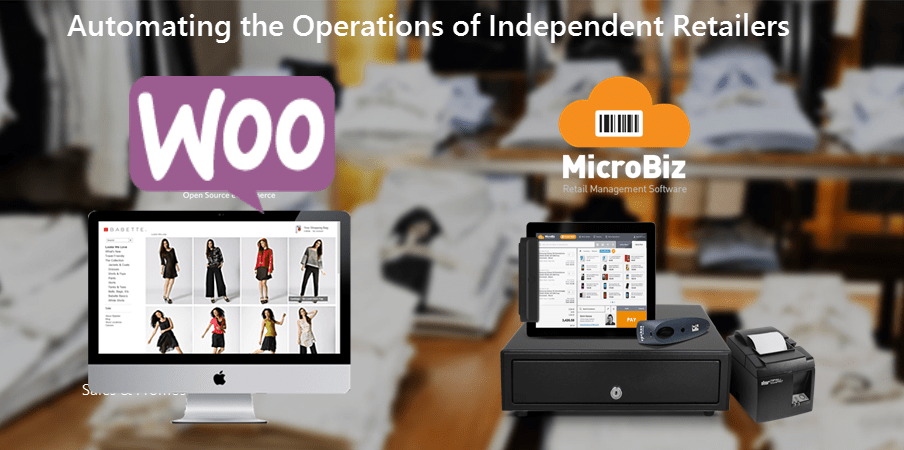

Use GunBiz POS with the free WooCommerce ecommerce platform to sell your store inventory online
Connect GunBiz POS system to a free WooCommerce website in just a few minutes using the easy-to-use integration wizard. This integration manages the connection with the WooCommerce ecommerce platform - publishing new products, price updates and changes inventory to your ecommerce site and allowing you to manage inventory across your stores and online operations. The integration instantly captures online transactions in GunBiz's order management module, including the customer record, items sold and payment. When an item sells out in your gun store, the system immediately sends a stock update to WooCommerce – minimizing the potential of the sale of an item online that is no longer in stock.
To learn more about how to build a gun store ecommerce site using WooCommerce, click here.
Quick and Easy Ecommerce Sync Set Up
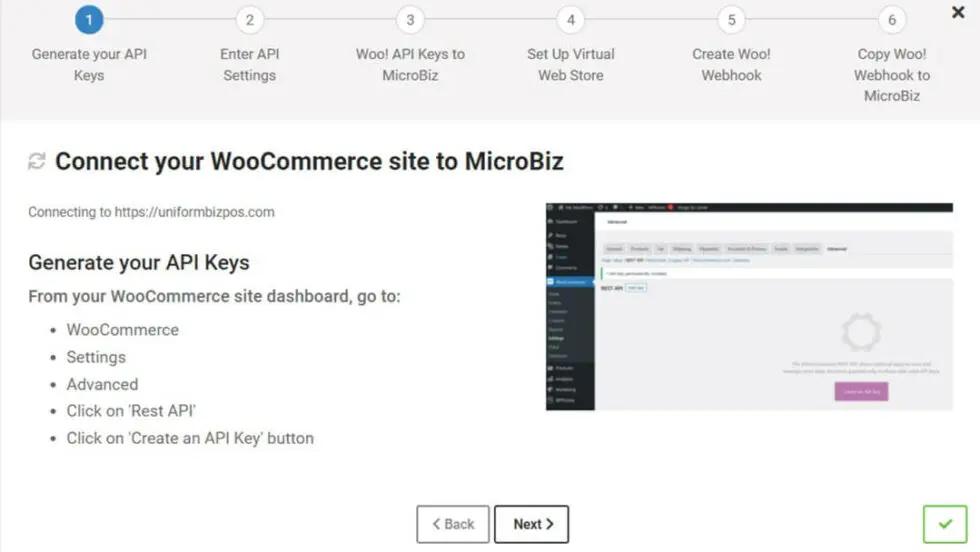
Set up your sync between GunBiz POS and WooCommerce in just a few minutes. Enter your WooCommerce URL into GunBiz POS, create a direct API connection using secure keys, generate a webhook to capture orders and match your shipping methods and tax rates. Once connected, products, customers and orders will be synced between your POS system and your ecommerce site.
Want to Learn More About GunBiz POS?
Give us a call at 650 830-5123 or fill out a request form using the button to the right.
Push or Pull Product Data Between GunBiz POS and Woo!
When setting-up your synced system, GunBiz POS gives you the option to either transfer your existing product records from GunBiz POS to WooCommerce, or if you have an active WooCommerce site, transfer your existing product records from WooCommerce to your GunBiz POS system. GunBiz syncs the main product record fields to WooCommerce (SKU, short description, price, default image).
Manage Online Sales in GunBiz POS
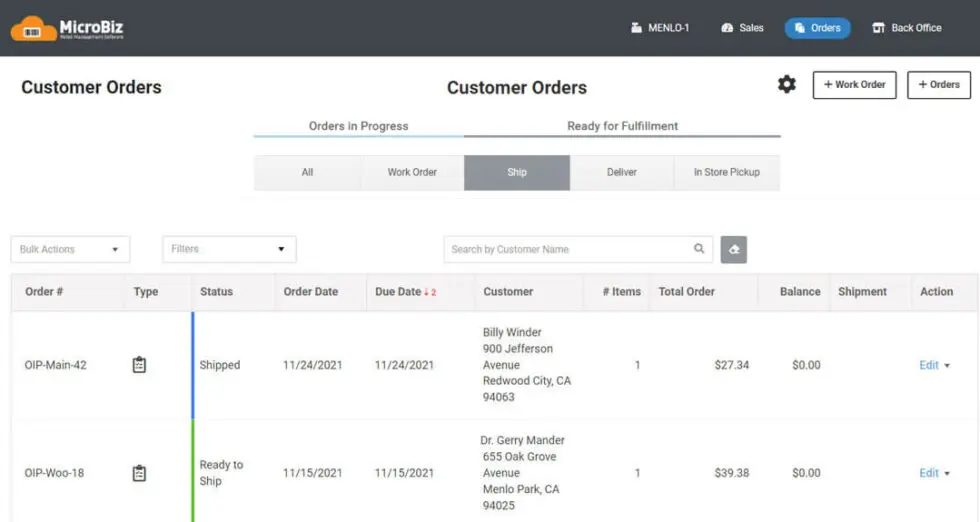
When an online order is made in WooCommerce, GunBiz POS captures the order and displays it in the GunBiz Order Management module, including the item sold, quantity, customer data and payment and tax information. If it’s a new online customer, GunBiz automatically creates a new customer record. If it’s a repeat customer, GunBiz matches the order to the existing customer record in GunBiz.
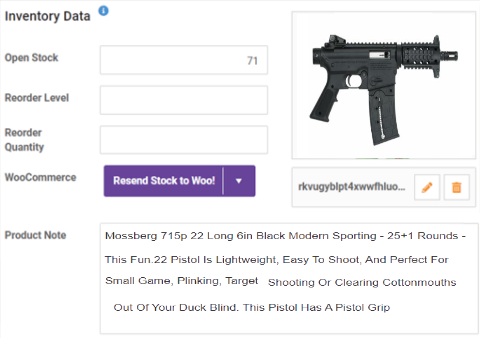
Automatic Sync of Inventory Levels with Woo!
GunBiz POS seamlessly synchronizes changes in inventory between your FFL POS system and your ecommerce store to reflect sales activity. When an item is sold in a retail store, GunBiz sends a message to WooCommerce with the updated inventory of the item. When an item is sold online, the order is pulled into GunBiz, and stock is automatically adjusted.
Manage Online Sales of Dropshipped Items and In-store Items
For gun stores that operate Woo sites featuring both dropshipped items and items sold from store inventory, GunBiz allows you to publish store inventory items to your Woo site where they are displayed alongside distributor items. When the items are sold online, the distributor dropshipped items are treated as non-inventory items while the sale of an in-store item will instantly adjust open stock based on the order.
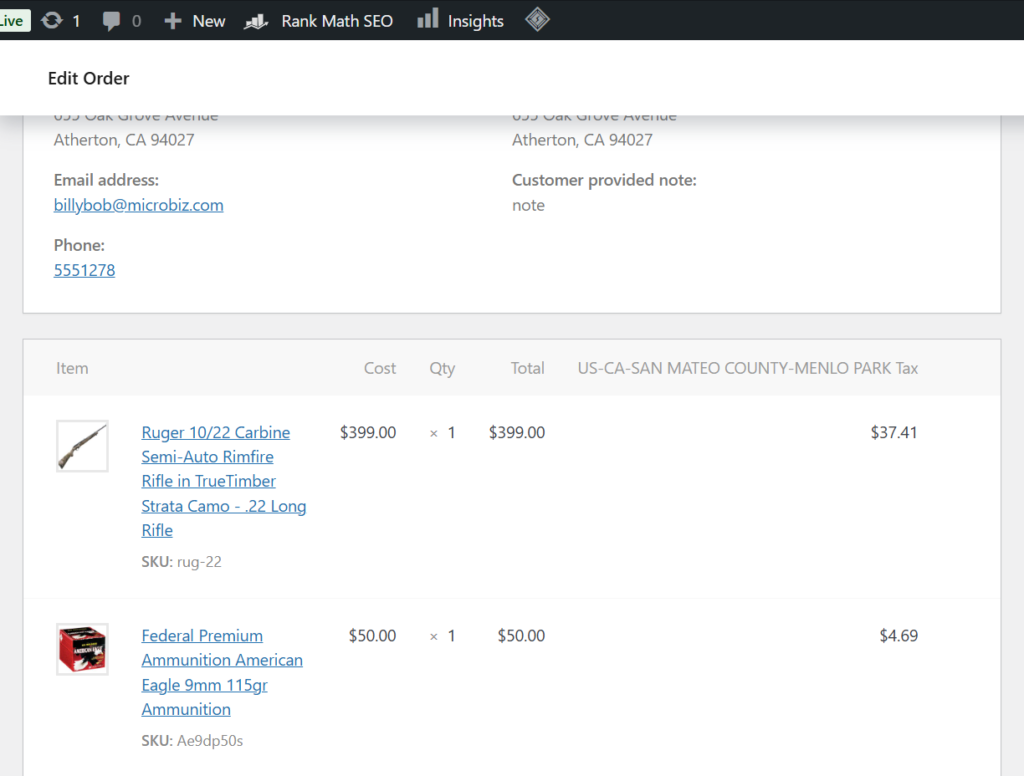
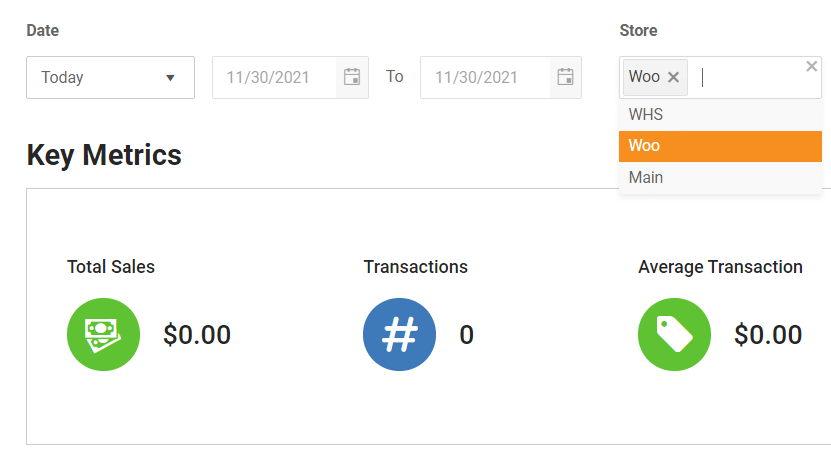
Combined Website and Physical Store Reporting
When linking an ecommerce site, GunBiz creates a virtual store that contains all the sales made online from your WooCommerce site. This allows you to run reports in GunBiz that contain both online and store activities, or you can filtered by store that show only the sales, transactions and orders from your WooCommerce store.
Instant Adjustment of Out of Stock Items
When you sell the last of an item, MicroBiz immediately sends a message to WooCommerce that the item is no longer in stock. This allows WooCommerce to display an ‘out of stock’ message for the product on the website or hide/remove the item from the public website (depending on Woo settings).
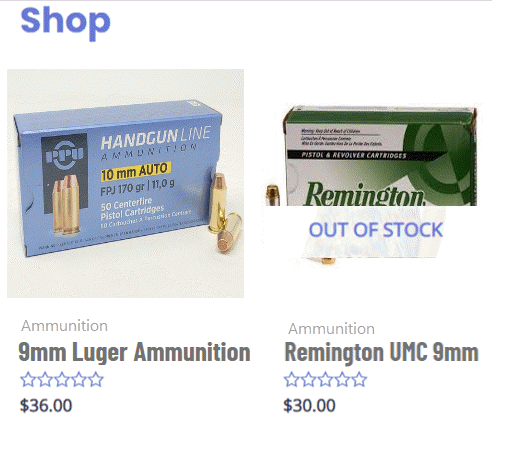
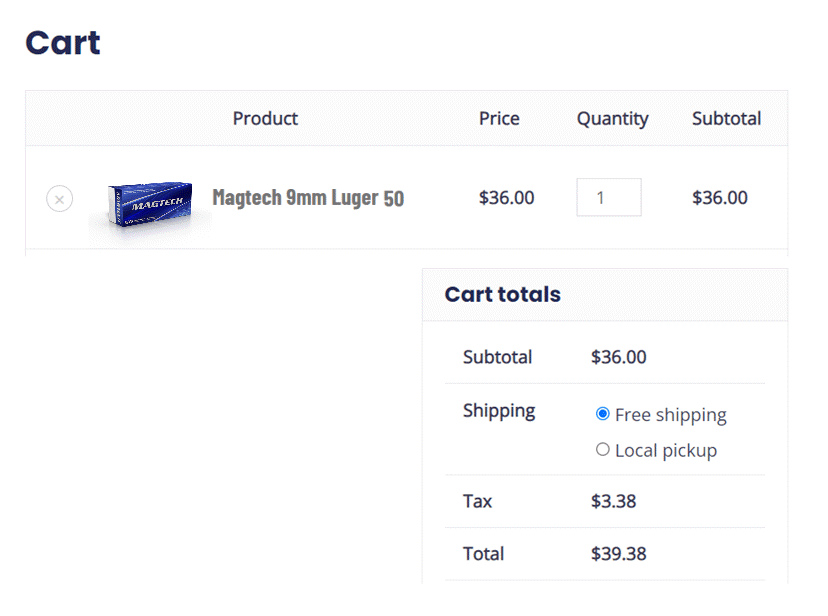
Buy Online and Pick-up in Store
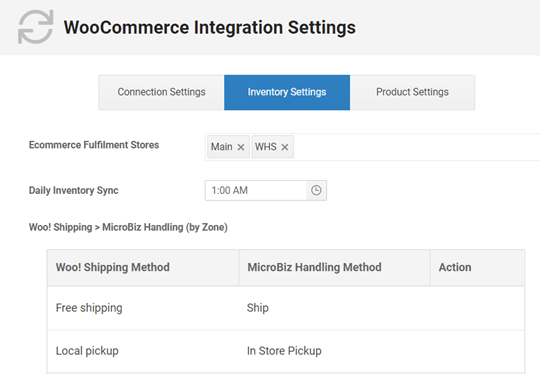
WooCommerce allows the purchaser to choose the fulfillment method for the order (ship, delivery, store pick up). When the online order is captured in GunBiz, the fulfilment information is transferred to GunBiz, allowing the handling of the item to be managed in GunBiz.
See GunBiz POS in Action - Specialized POS software for firearm businesses
Online one-on-one demos are a great way to ask questions about your unique needs and work flows to see if GunBiz POS will be able to meet these needs.